
One of the biggest hurdles for an Urban Nomad transitioning from a corporate office to a balcony is the loss of screen real estate. Efficiency drops when you’re constantly Alt-Tabbing between windows. But you can’t exactly haul a 27-inch iMac to your balcony railing. The solution is the Ultra-Light Portable Station—a setup that doubles your pixels without doubling your bulk.
In the thirteenth experiment of The Balcony Lab, we’re optimizing for Visual Throughput.
1. The Portable Monitor: Your Secret Weapon
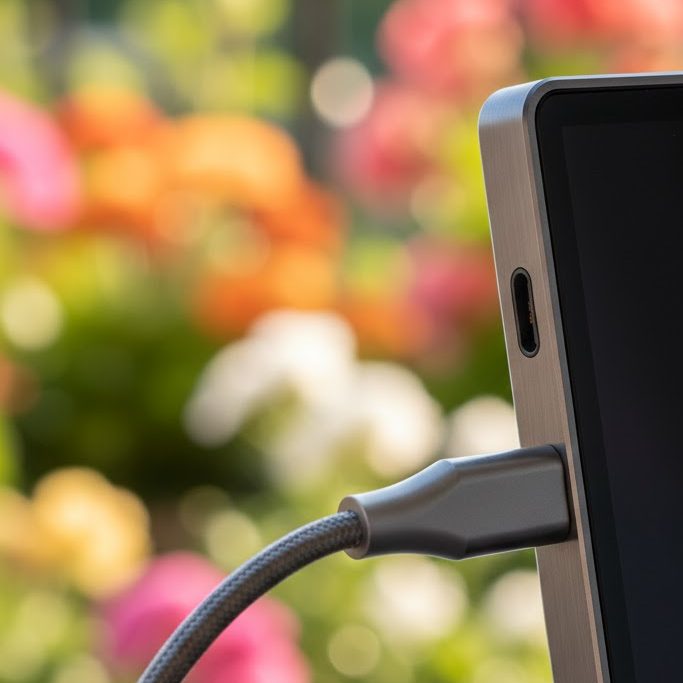
Modern portable monitors are thinner than a tablet and powered by a single USB-C cable.
- The Ergonomics: Use a secondary stand (refer to Essential Gear #08) to align your portable monitor with your laptop’s height. This prevents “neck-twist” and allows your eyes to scan across both screens with minimal muscle strain.
- Matte vs. Glossy: For balcony use, Matte screens are non-negotiable. They diffuse the outdoor light and eliminate the reflections that make glossy screens unusable in direct daylight.
2. The Single-Cable Logic: Hub & Power
Your balcony setup should be a “Plug-and-Play” ecosystem.
- The Strategy: Use a high-quality, compact USB-C hub. Connect your portable monitor, your backup drive, and your keyboard to the hub. When you step onto the balcony, you only need to plug one cable into your laptop to activate the entire “Lab.”
3. Cable Management in the Wind
On a balcony, loose cables aren’t just messy—they are sails for the wind.
- The “Tether” Technique: Use magnetic cable clips to fix your hub’s main trunk to your table’s edge. This ensures that even if you move your laptop, the weight of the cables doesn’t pull your gear toward the floor. It keeps your limited 1-square-meter space feeling organized and professional.
The Lab Experiment for This Week:
Audit your workflow. Identify the task that causes you the most “window-switching” frustration. Set up a portable secondary screen and dedicate it only to reference material or communication (Slack/Email). Notice how much more “mental RAM” you have available for your primary creative task.